
Zimbra Installation
Download the Zimbra Desktop Linux version from following link:
- http://www.zimbra.com/downloads/zd-downloads.html
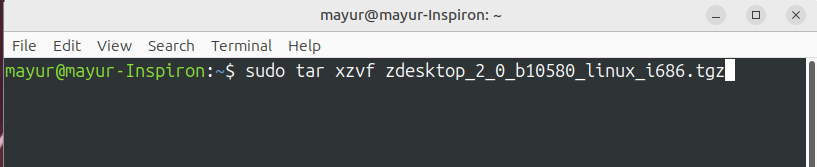
Extract the files from the archive using (sudo in this case is very important!):
- sudo tar xzvf zdesktop_2_0_b10580_linux_i686.tgz
Then cd into that directory:
- cd zdesktop_2_0_b10580_linux_i686/

And run:
- sudo perl install.pl

Enter your password and hit return/enter.
Follow the on-screen instructions, if you choose the defaults, you should have a launcher on your desktop, we need to get rid of that and the zdesktop directory in your home folder:
- cd ~

- sudo rm -rf zdesktop Desktop/zd.desktop

Then we need to create a new one using:
- /opt/zimbra/zdesktop/linux/user-install.pl

Zimbra Uninstallation
If you used the defaults during the installation, you can remove ZimbraDesktop by issuing the following commands. (note: this section is not yet complete)
- sudo rm -rf /opt/zimbra/
