
The problem :-
You are prompted by the system to enter your keyring passphrase in order to unlock additional keys. None of your passphrases work–somehow you have become locked out of your keyring. In this situation you may not be able to unlock needed keys, such as passwords, SSH or GPG keys.
The solution :-
The only solution that I’ve been able to come up with is to delete the keyring contents, including the incorrect or corrupt passphrase. Note: this will destroy all stored keys in the keyring, requiring that they be re-imported. Other than the need to “start over” with the keyring manager, this solution should be otherwise harmless.
Method :–
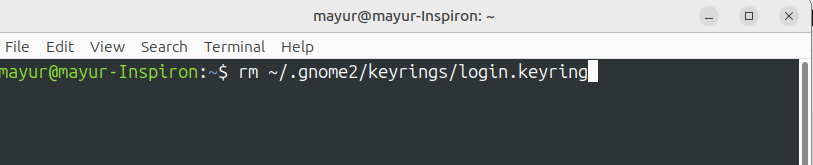
It is possible to clobber your keyring passphrase and settings from the Terminal. Open a terminal (Applications > Accessories > Terminal), and run the command:
- rm ~/.gnome2/keyrings/login.keyring
On older systems you may need to try:
- rm ~/.gnome2/keyrings/default.keyring